Midjourney: Your Essential Guide to Creating High-Quality AI Images
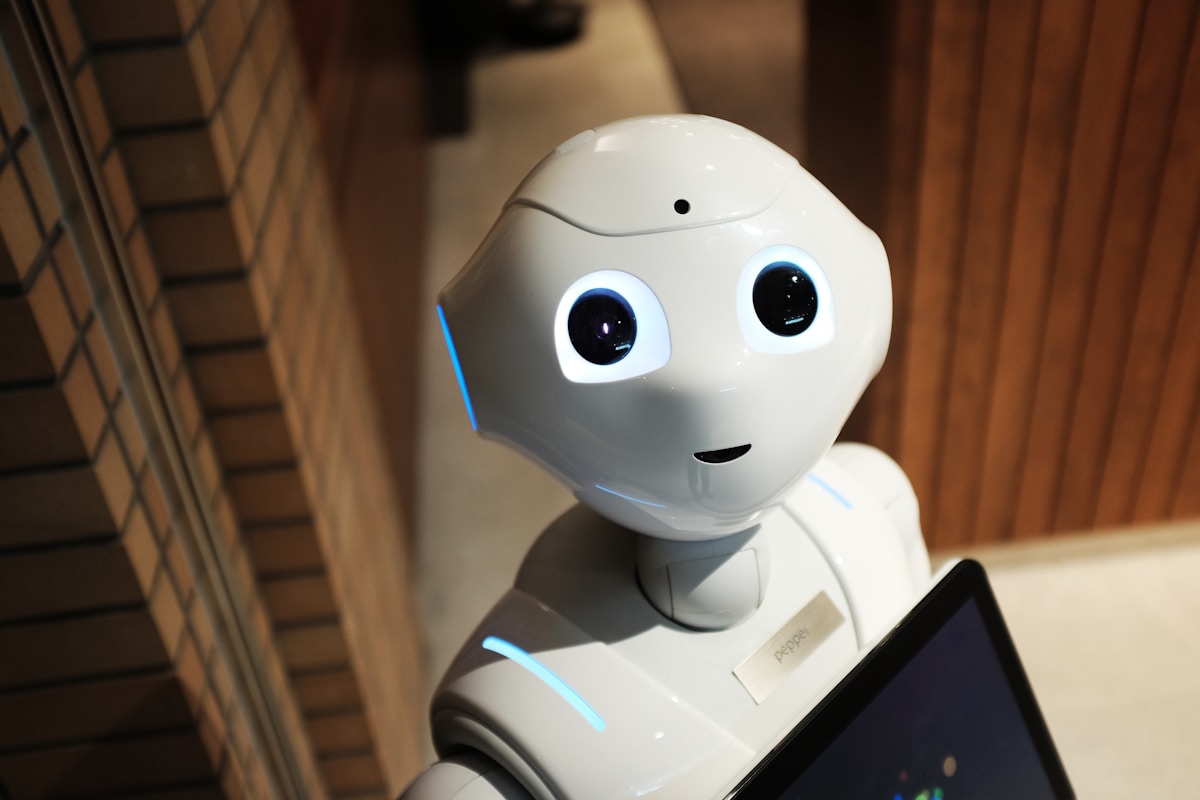
Image credit: Image: Unsplash
Midjourney: Your Essential Guide to Creating High-Quality AI Images
Since its inception, Midjourney has revolutionized digital art creation, enabling anyone to transform text into stunning visuals. In 2026, the tool continues to evolve, offering unprecedented control and fidelity. This practical guide from AI Pulse will demystify the process, helping you create high-quality AI images using best practices.
1. Getting Started: Setup and Basic Commands
To begin, you'll need a Discord account and access to the Midjourney server. After joining, you'll interact with the bot in designated channels (usually newbies or specific generation channels).
The fundamental command is /imagine. Type /imagine followed by your prompt (the description of your desired image). For example:
/imagine a futuristic city at sunset, neon lights, flying cars, cyberpunk style --ar 16:9 --v 6.1
The bot will generate four image options. Below them, you'll find buttons:
- U (Upscale): Increases the resolution of a specific image (U1, U2, U3, U4).
- V (Variations): Generates four new variations based on a specific image (V1, V2, V3, V4).
- 🔄 (Reroll): Generates four new options from the original prompt.
2. The Art of Prompting: Writing Effective Descriptions
The secret to excellent images lies in well-crafted prompts. Think of them as instructions for an artist. Be specific yet concise. Here are some best practices:
- Descriptive Details: Include the subject, environment, action, lighting, time of day, and mood. E.g., "a Siamese cat sleeping on a sunny windowsill, with billowing curtains and a steaming teacup, golden light, cozy".
- Style and References: Specify artistic styles (realism, impressionism, concept art, anime, studio photography), artists (Van Gogh, Zdzisław Beksiński), or media (film noir, magazine cover). E.g., "a portrait of an elderly woman, Rembrandt style, dramatic lighting".
- Quality Keywords: Use terms like
photorealistic,ultra detailed,8k,cinematic lighting,masterpiece,award-winning photographyto elevate quality. - Avoid Negations: Midjourney understands what to include better than what to exclude. Instead of "no cars", try "rural landscape without vehicles" or use the
--no carsparameter.
3. Advanced Parameters for Total Control
Parameters are modifiers added to the end of your prompt, starting with --. They offer granular control over the output:
--ar <width>:<height>(Aspect Ratio): Sets the image's aspect ratio (e.g.,--ar 16:9for widescreen,--ar 9:16for vertical,--ar 1:1for square).--v <version>(Version): Chooses the Midjourney model version (e.g.,--v 6.1for the latest, offering greater coherence and prompt understanding).--style raw: Reduces Midjourney's default stylization, giving more control to your prompt (great for realism or specific styles).--stylize <number>(s): Controls the intensity of Midjourney's
AI Pulse Editorial
Editorial team specialized in artificial intelligence and technology. AI Pulse is a publication dedicated to covering the latest news, trends, and analysis from the world of AI.
Comments (0)
Log in to comment
Log in to commentNo comments yet. Be the first to share your thoughts!